WiFi login page themes
36 ready-made themes. Every theme takes your logo, brand color and photos, supports every login method and switches between Thai and English.
-
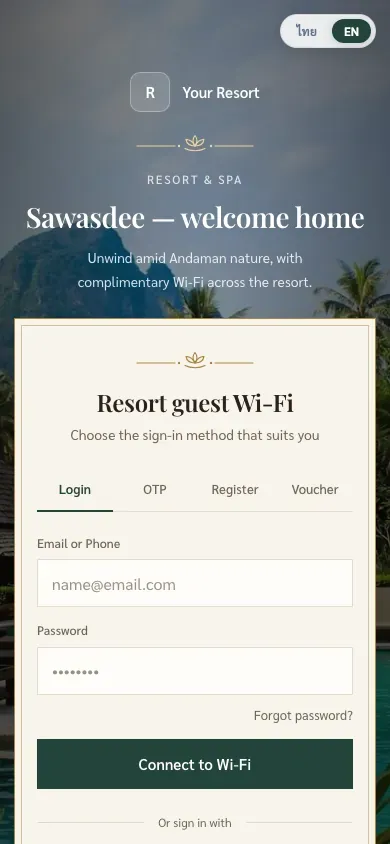
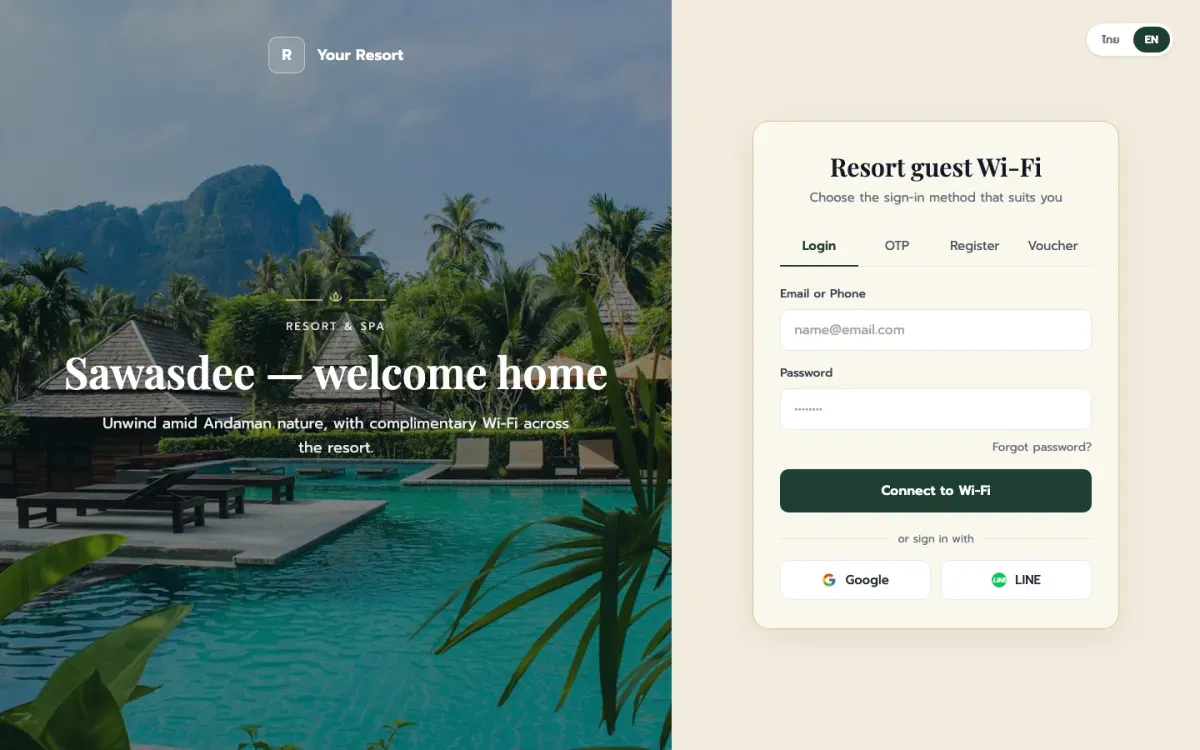
Thai Luxury Resort New
All login methods
-
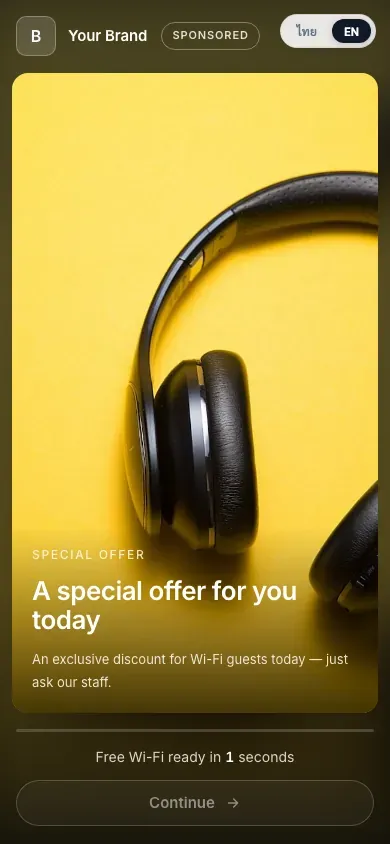
Promotion First New
Ad before connect
-
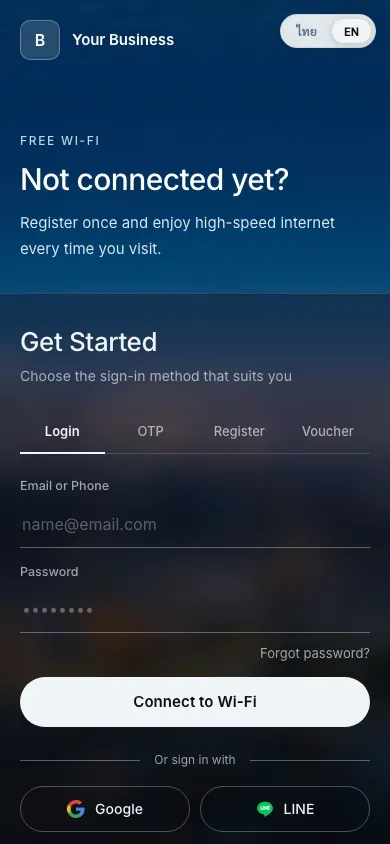
City Night Frost New
All login methods
-
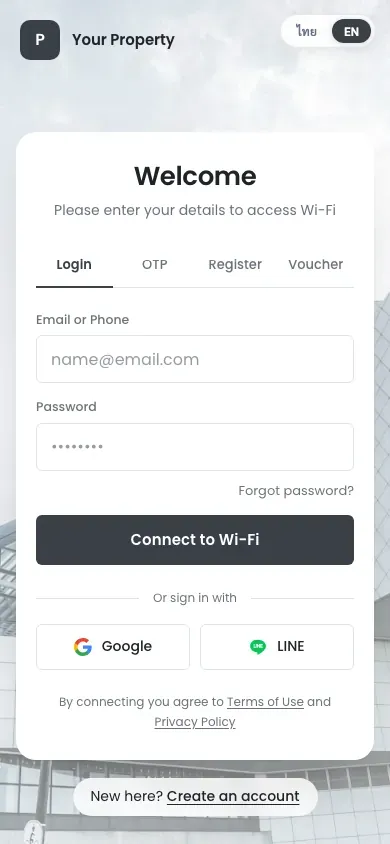
Modern Architecture New
All login methods
-
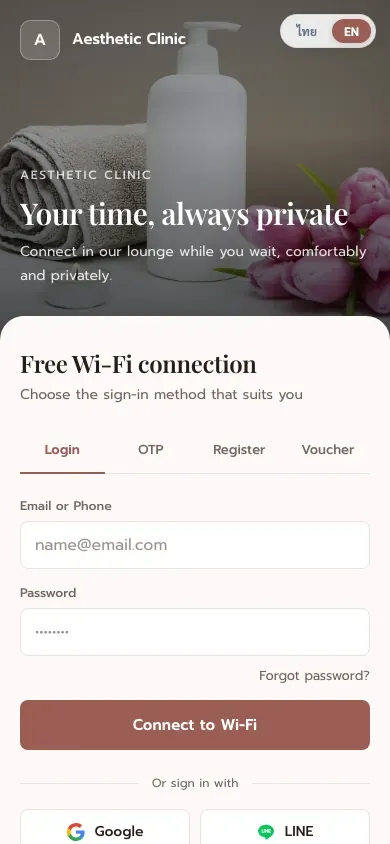
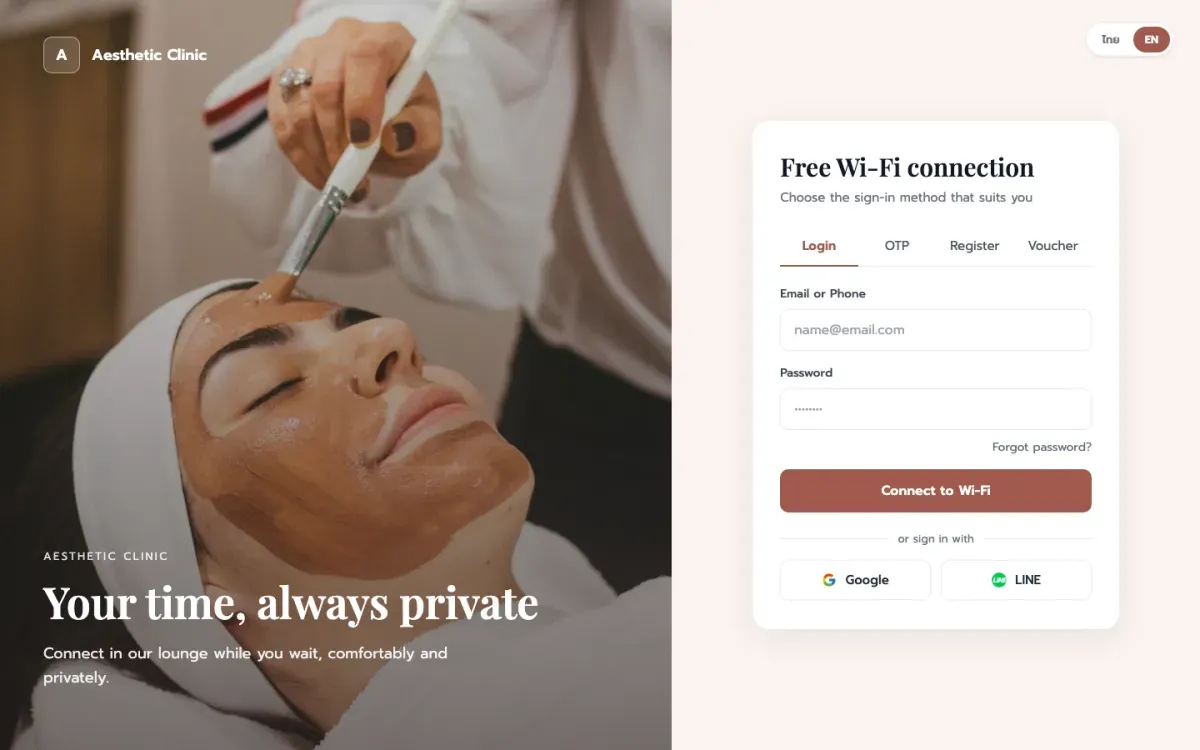
Premium Beauty Clinic
All login methods
-
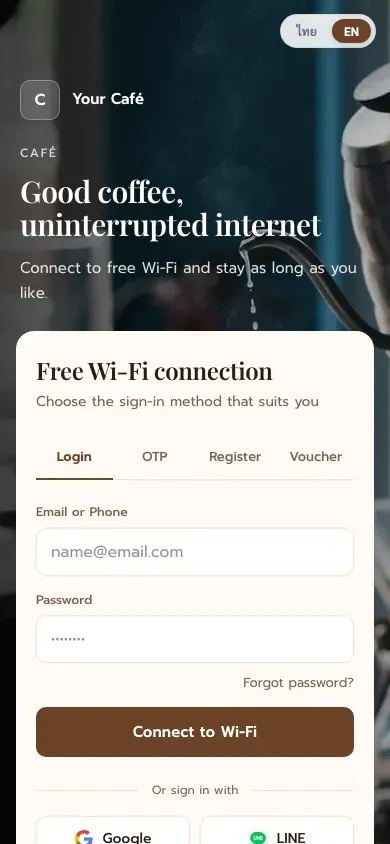
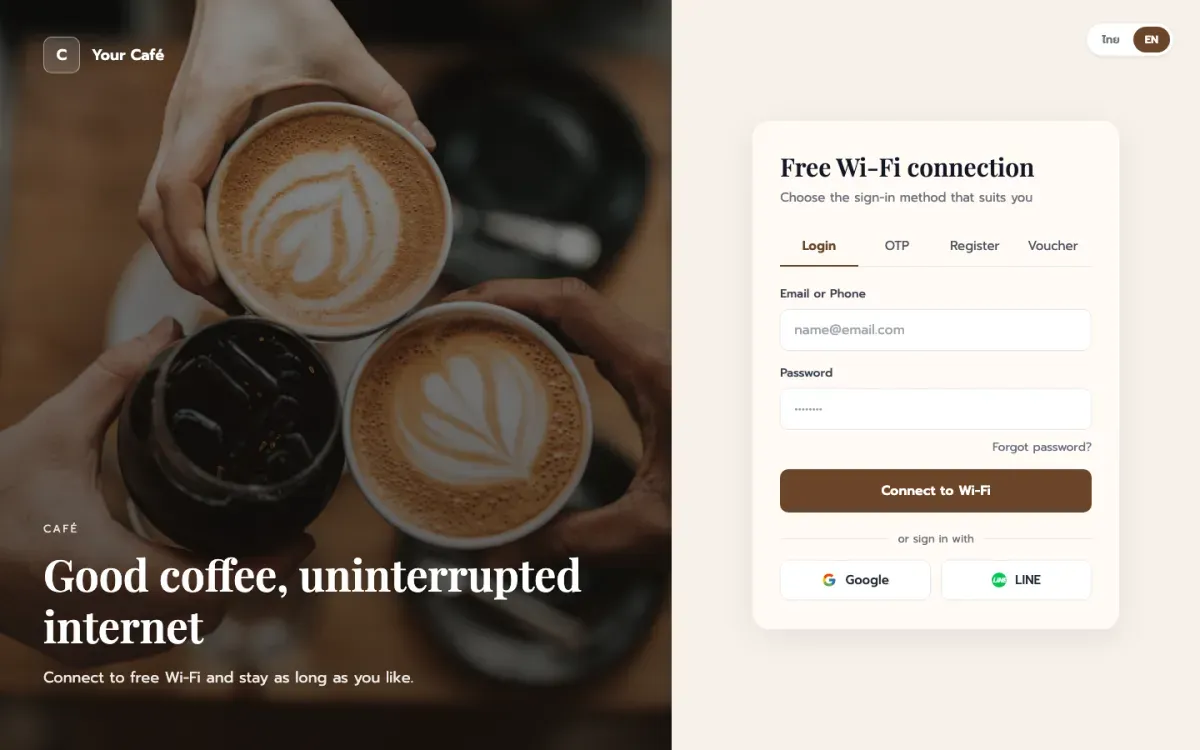
Coffee House
All login methods
-
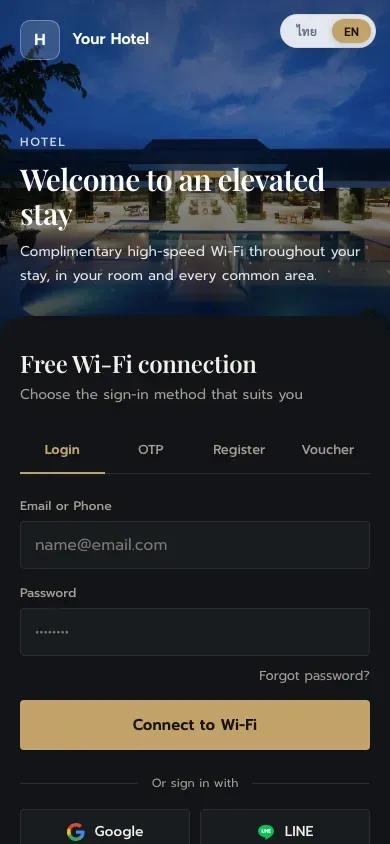
Hotel Noir & Gold
All login methods
-
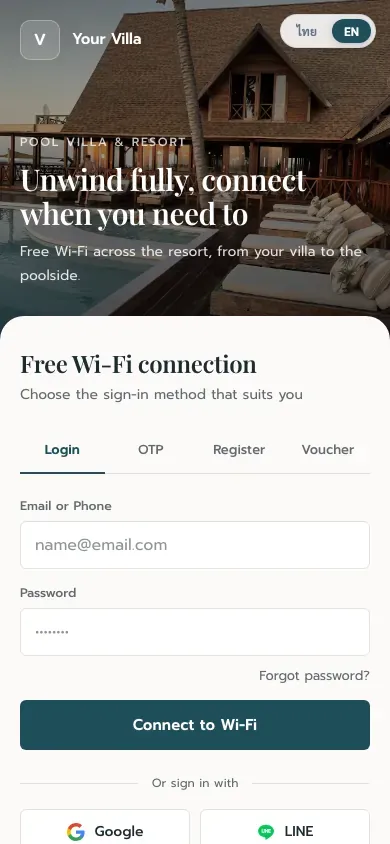
Pool Villa & Resort
All login methods
-
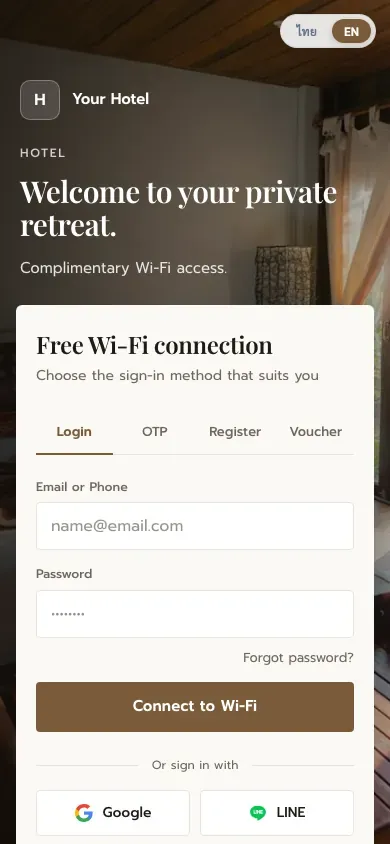
Premium Hotel
All login methods
-
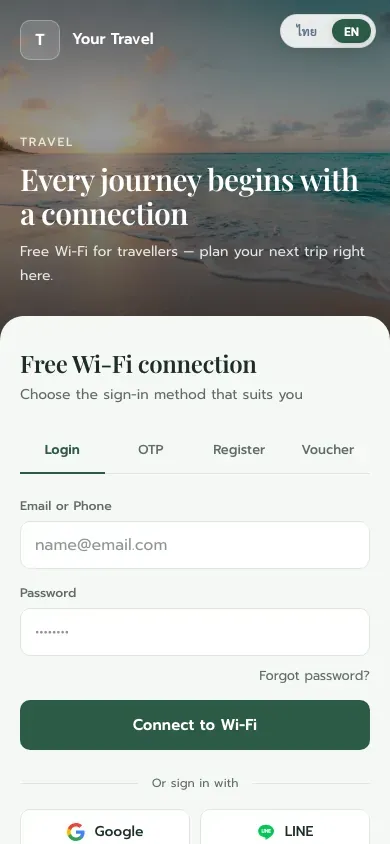
Seaside Travel
All login methods
-
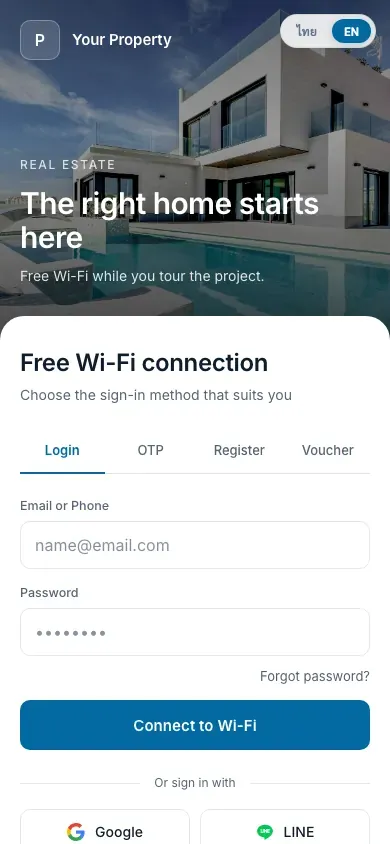
Real Estate Split
All login methods
-
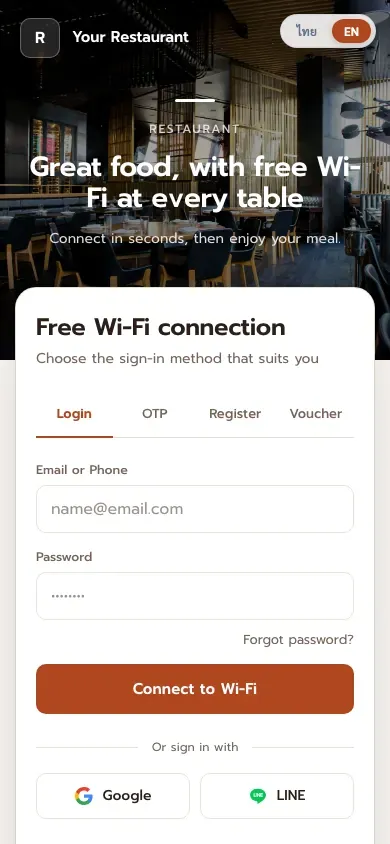
Restaurant
All login methods
-
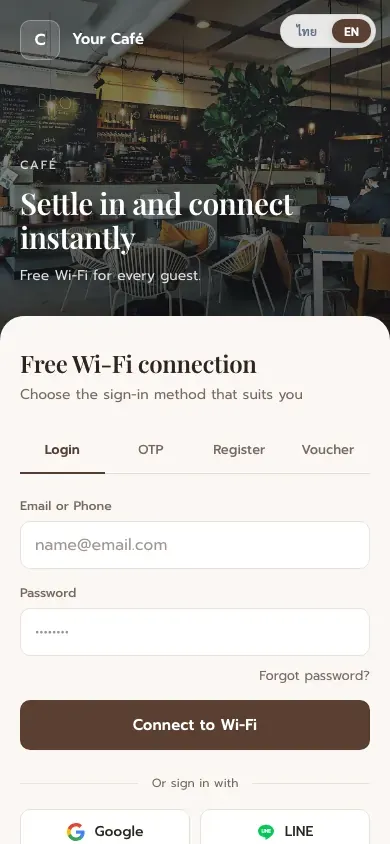
Minimal Café
All login methods
-
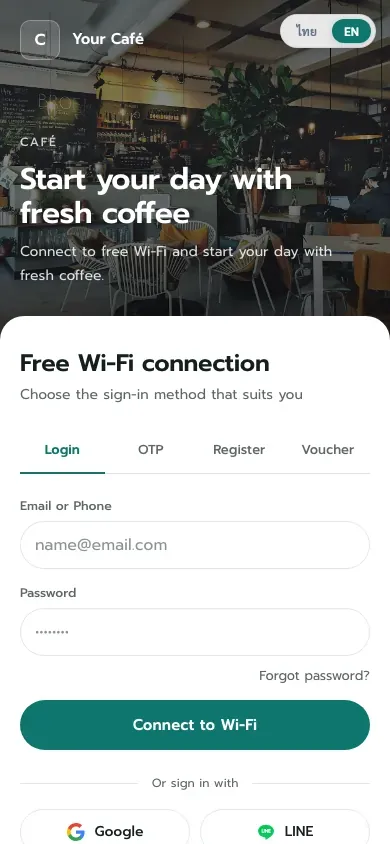
Café Split
All login methods
-
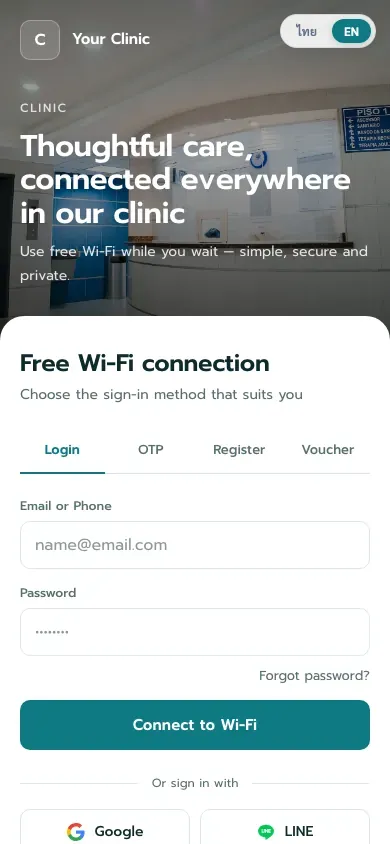
Clinic
All login methods
-
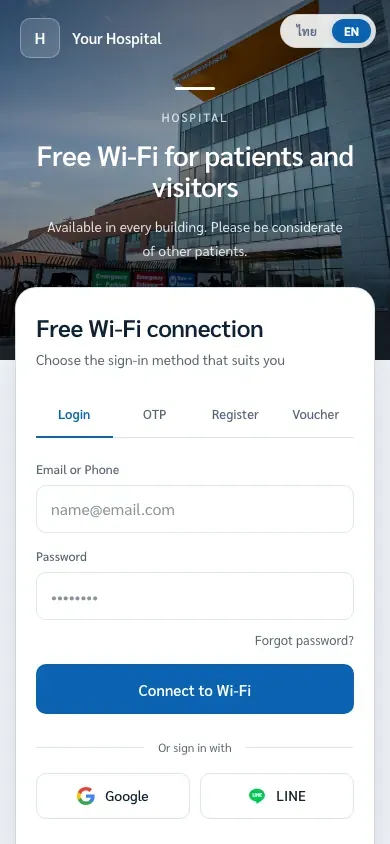
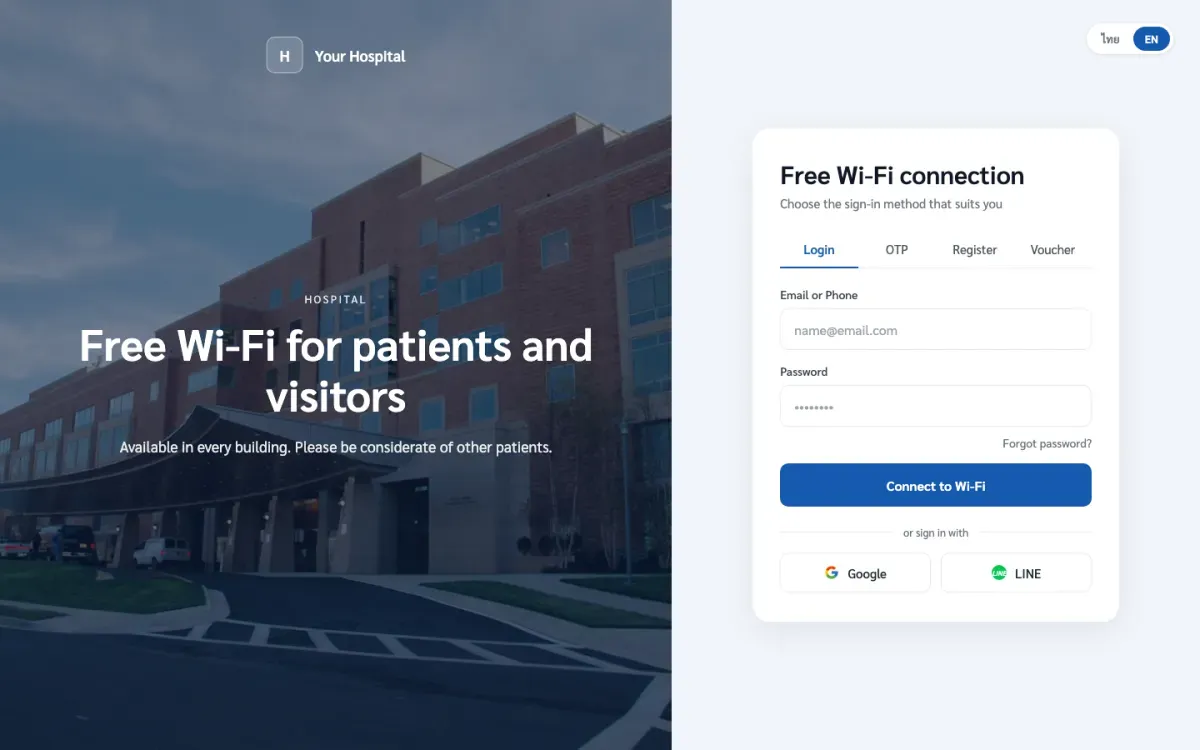
Hospital
All login methods
-
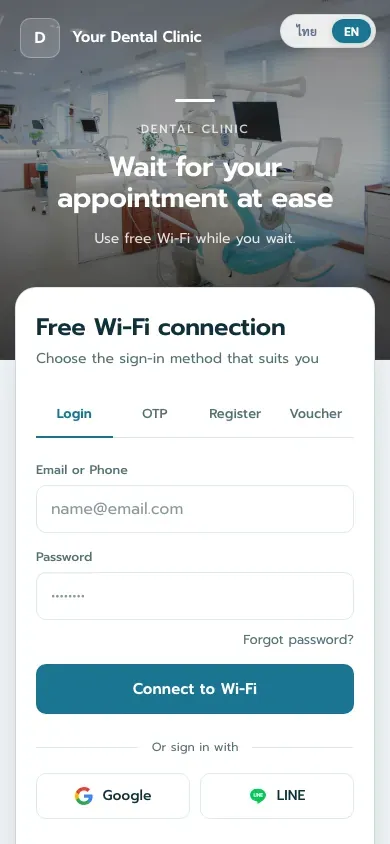
Dental Clinic
All login methods
-
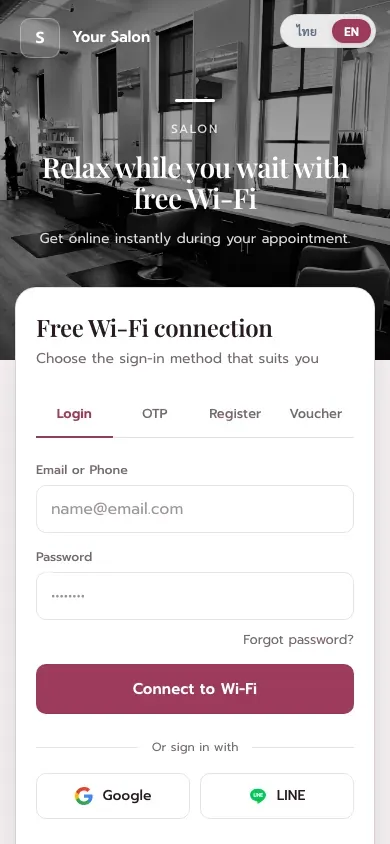
Salon
All login methods
-
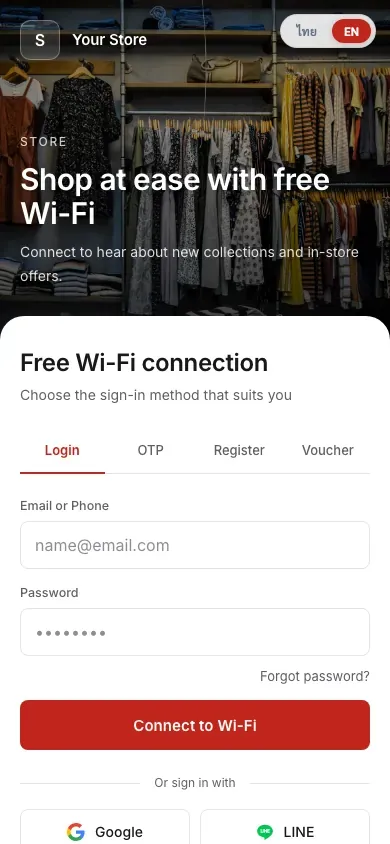
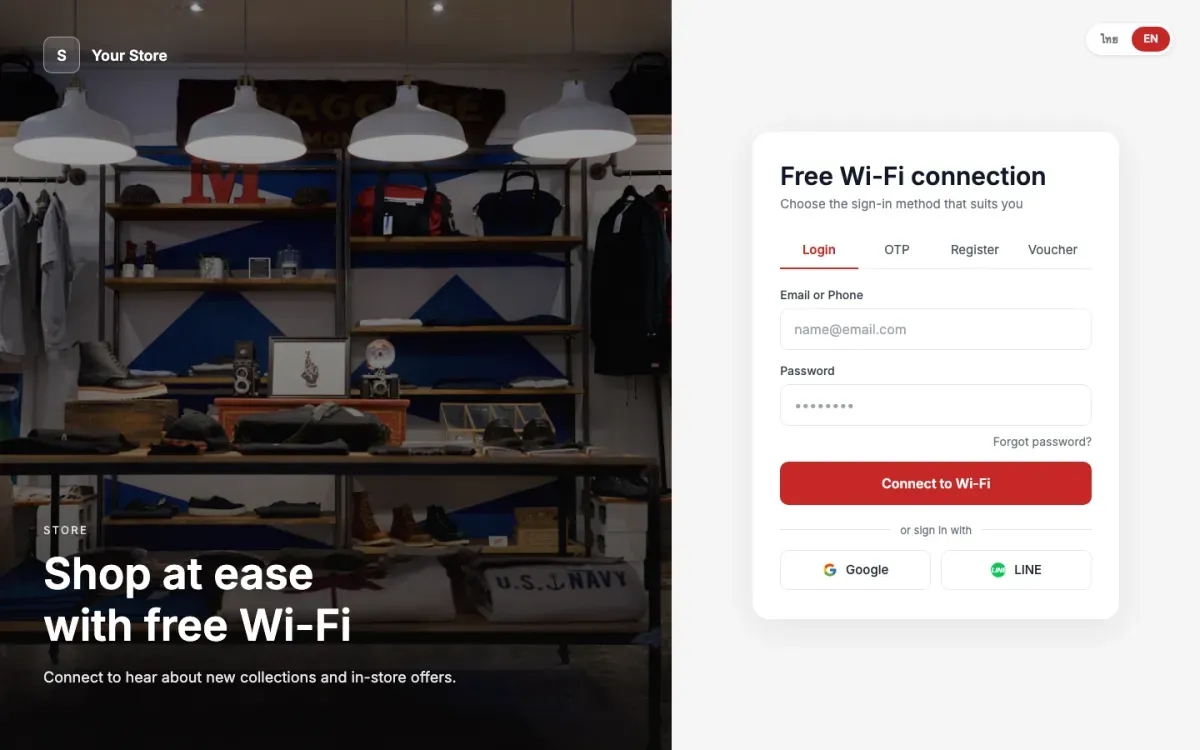
Fashion Store
All login methods
-
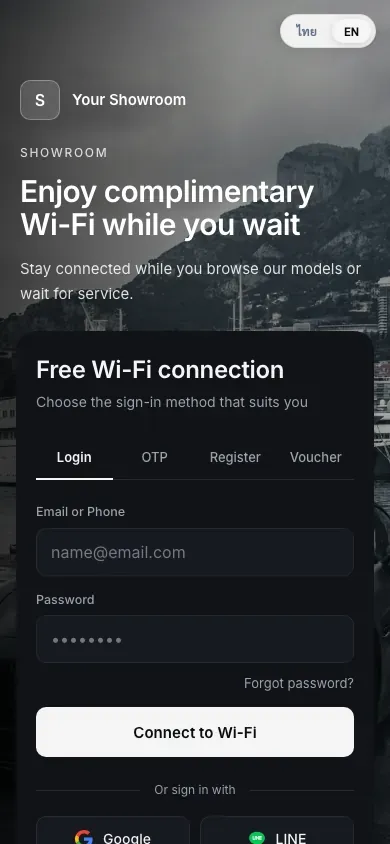
Car Showroom
All login methods
-
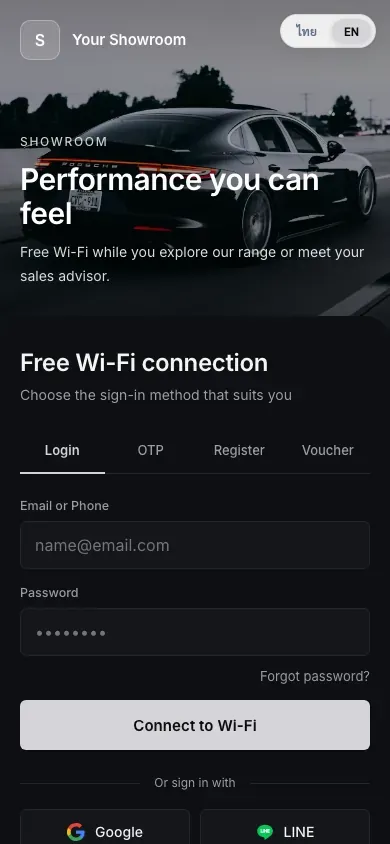
Premium Showroom Dark
All login methods
-
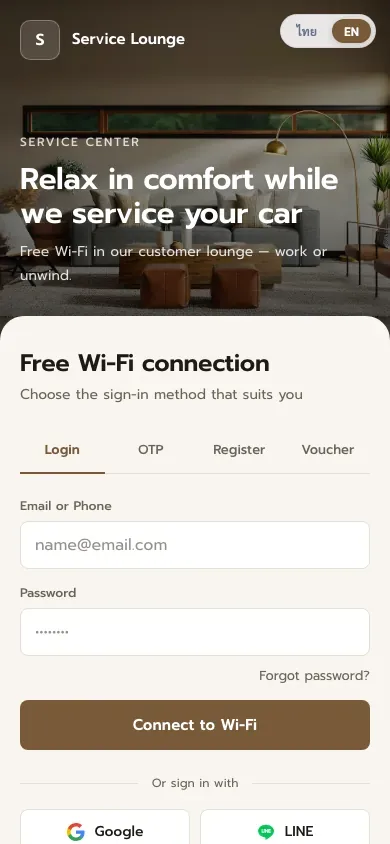
Service Lounge
All login methods
-
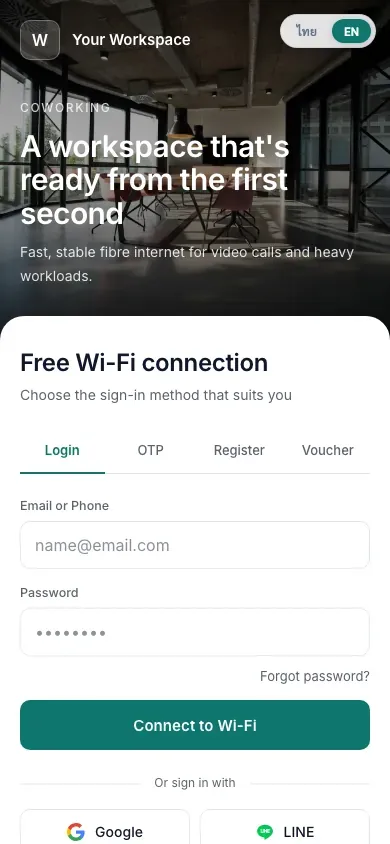
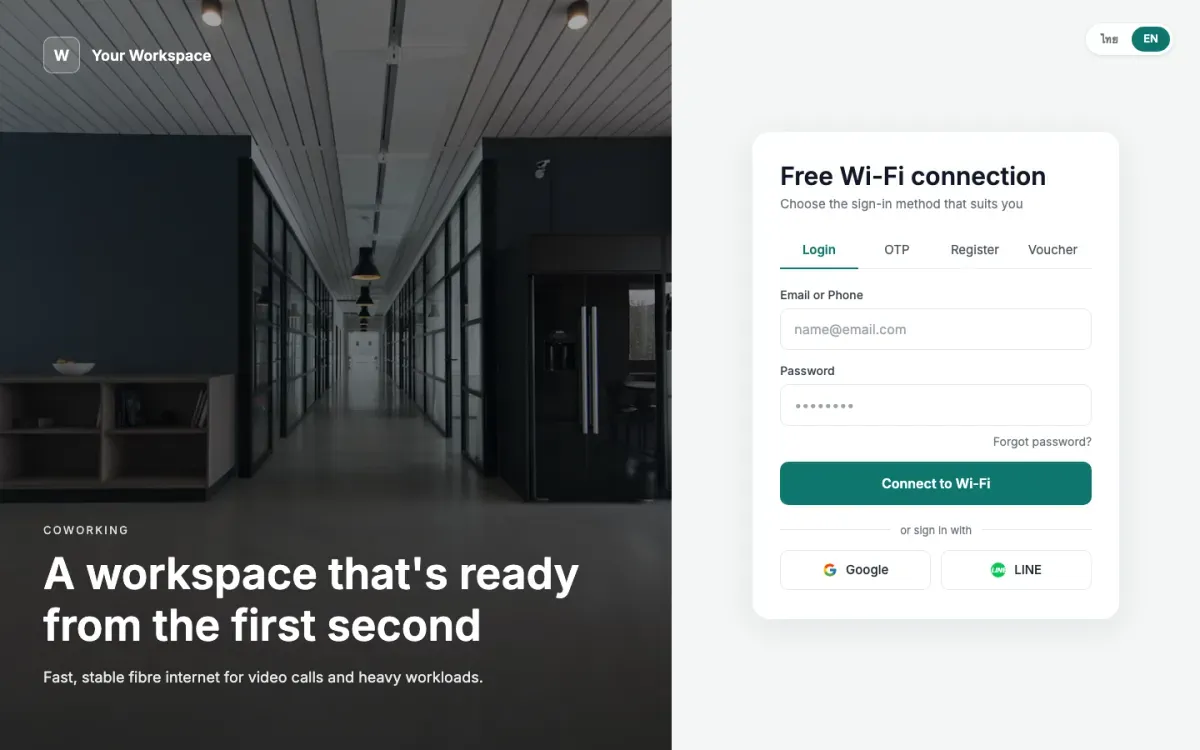
Coworking Space
All login methods
-
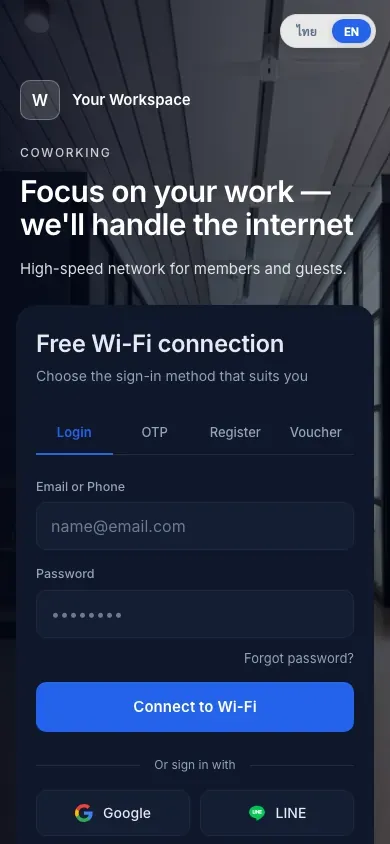
Coworking Dark
All login methods
-
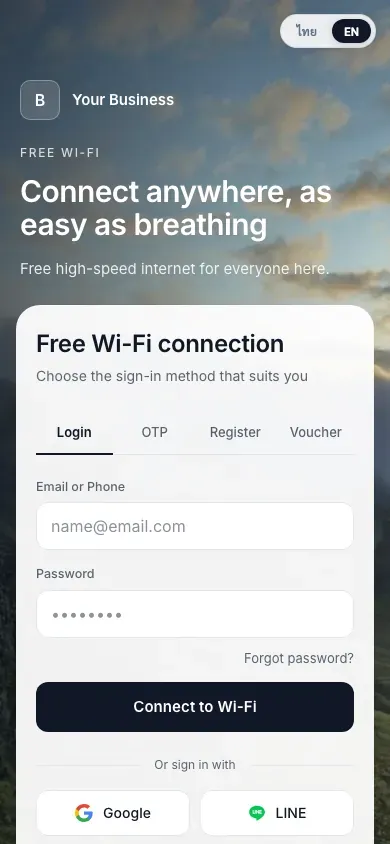
Open Sky
All login methods
-
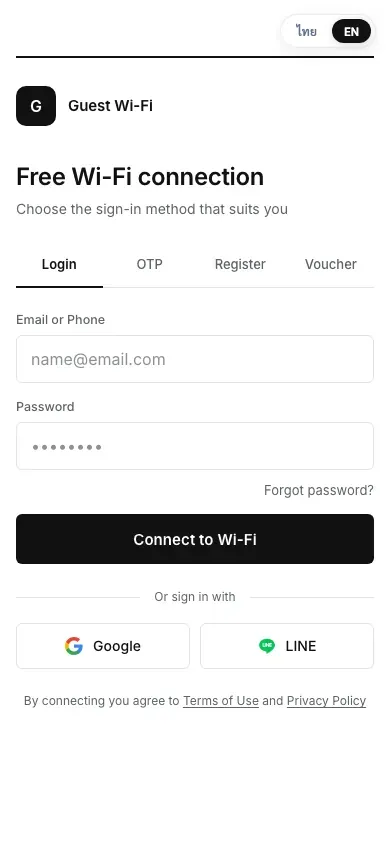
Minimal Mono
All login methods
-
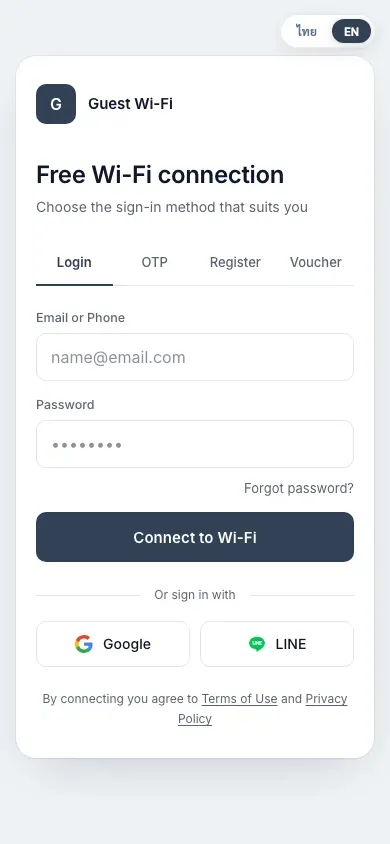
Minimal Slate
All login methods
-
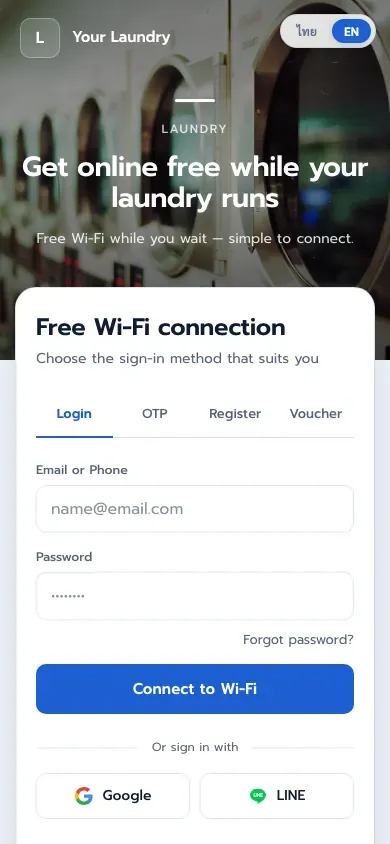
Laundromat
All login methods
-
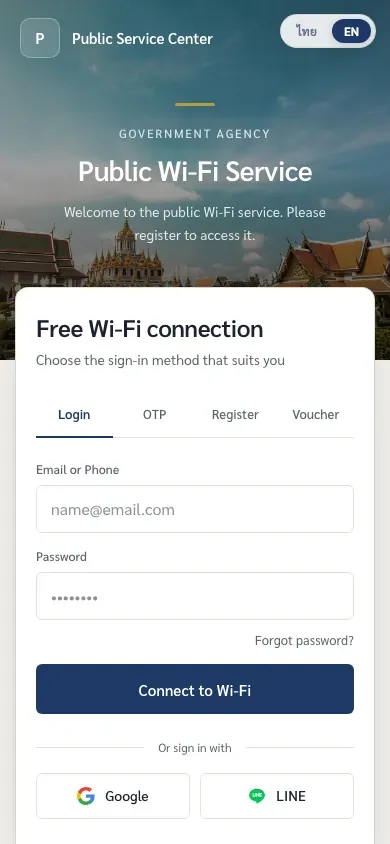
Public Agency
All login methods
-
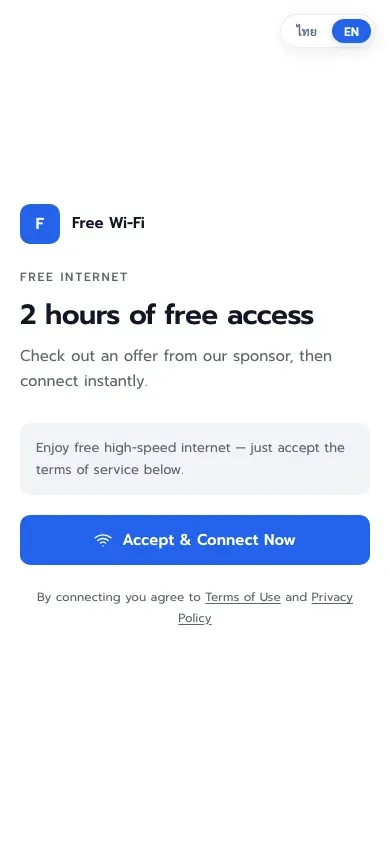
Banner + Accept
One-tap accept
-
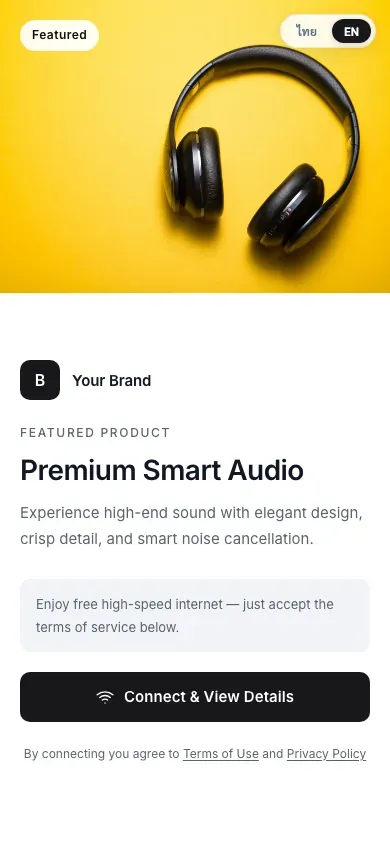
Product Showcase
One-tap accept
-
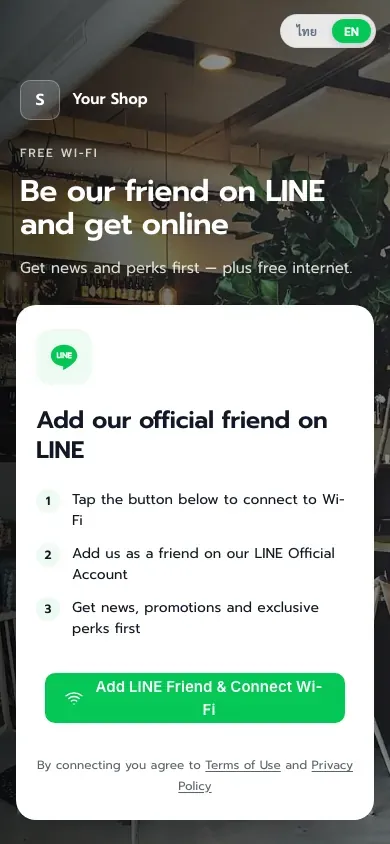
LINE Add Friend
LINE OA follow
-
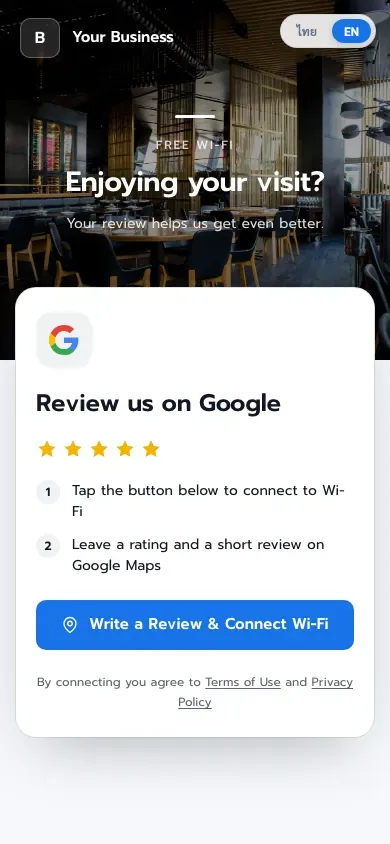
Google Review
Google Maps review
-
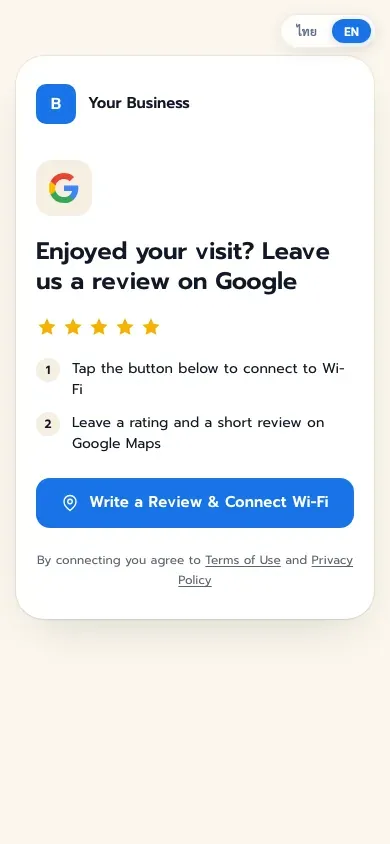
Google Review Playful
Google Maps review
-
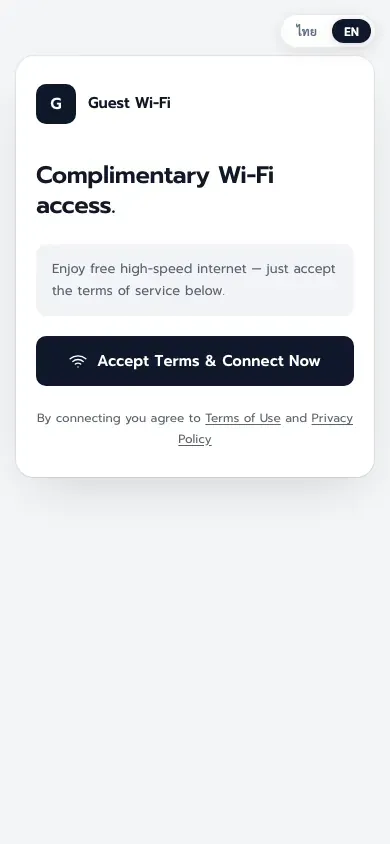
Simple Accept
One-tap accept
-
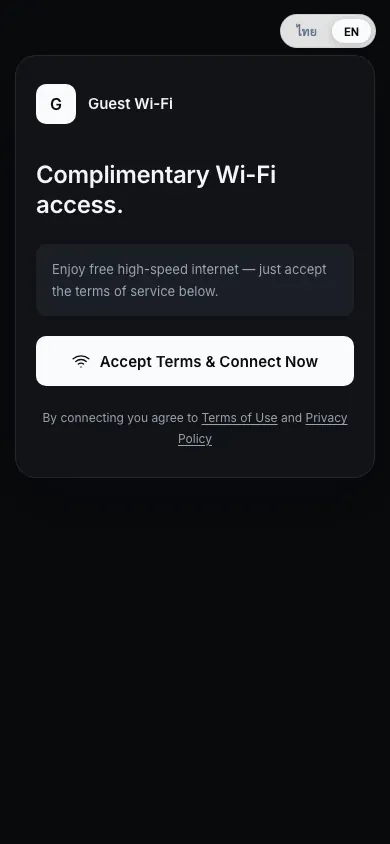
Dark Accept
One-tap accept
We tailor a theme to your brand free at setup. Talk to our team
FAQ
Can I switch themes later?
Anytime. Pick a new theme in the portal manager and save. Every branch using it updates immediately.
Can I use my own logo, brand color and photos?
Yes. Every theme changes its main color in one click, and you can upload your logo and swap the background photo in the Visual Builder, or pick from the built-in photo library.
Which login methods do the themes support?
Login themes include email/password, SMS OTP, registration, voucher codes, Google and LINE on one page. Methods you turn off are hidden automatically, and in accept-only mode every theme becomes a single connect button.
How do the advertising themes show my campaigns?
When a campaign is active, its image appears in the advertising themes automatically, with views and clicks tracked. The Promotion First theme shows the ad full screen with a countdown before the login form.